
After downloading and installing Blender, my journey began — two years of practice, a lot of crashes, and a program that's become my favorite tool to work in.
My one big tip for beginners: don't get overwhelmed, focus on one area at a time — and save your work often, because Blender will crash eventually.
Where to begin?
Like most beginners I started with the Blender Guru donut tutorial — one of the longest-running tutorials out there. It's a great way to dip your toe in and decide whether Blender is for you. You'll learn how to make a donut, but not much else; Blender takes time, daily practice, and a decent graphics card.
Tip: stay away from outdated tutorials at the start — it's hard enough following current ones without the tools looking completely different.
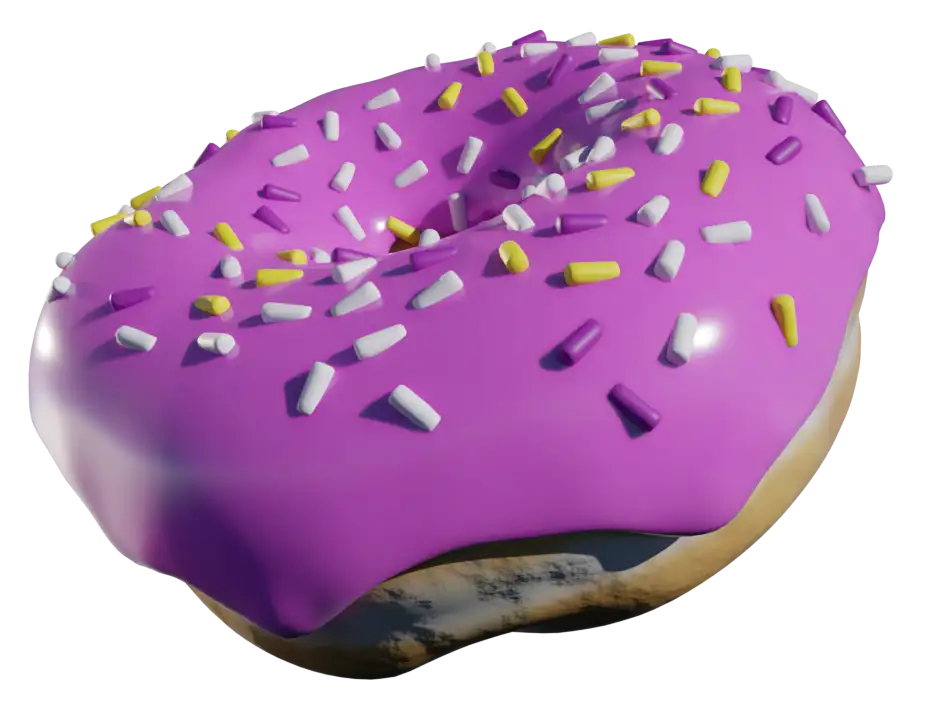
Learning the basics
When I was ready to commit, I landed on the Crossmind Studio 7-Day Beginners series — you build small things first and work up to a full airplane model and animation.
A couple of others worth a look: Ryan King Art’s playlists and CG Cookie — Blender Basics. Once you're through, focus on one area at a time — hard-surface modeling is a great place to start.
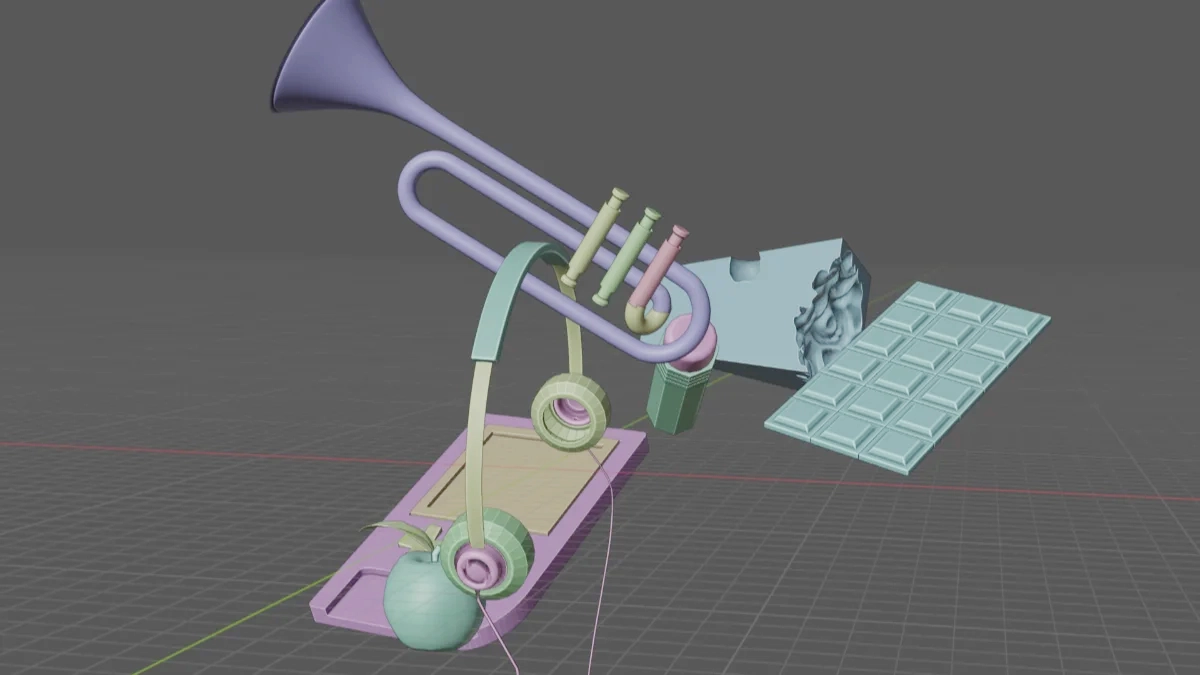
Learning how to work in Blender
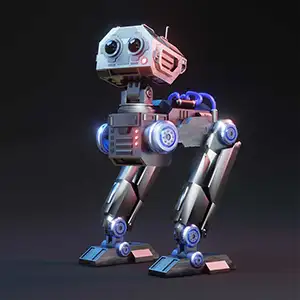
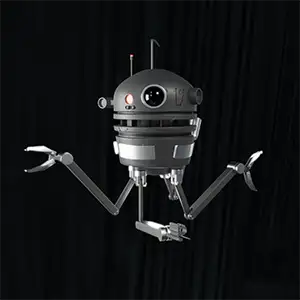
I found the Ryan King Art robot tutorials — easy to follow and truly built for beginners. Somewhere in one of these I had my "AHA!" moment, and I've been hooked ever since.
By my fourth robot I could almost follow along in real time. Knowing the shortcut keys is imperative, and these taught me a real workflow.


My Ode to Blender
I took everything I'd created following the tutorials and rolled it into this little tribute — to Blender, and to all the tutorial artists who helped me get this far. I really appreciate the time and effort they put into their videos.
Explore & play
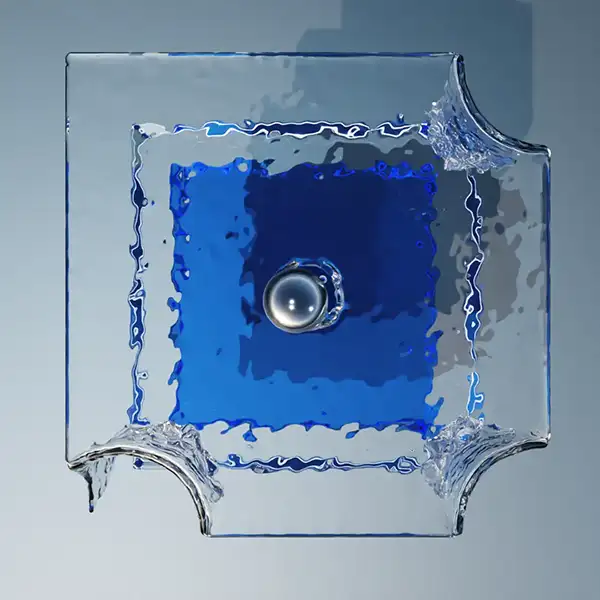
After the beginner videos I took a break to just explore. Sculpting, landscapes, rigging, textures — it was overwhelming at first, but I kept going. I was most drawn to the physics simulations, and after many hours of baking and crashing I'm now confident with water, smoke, fire and rigid body. It's so cool it's almost addictive.
Characters & animation
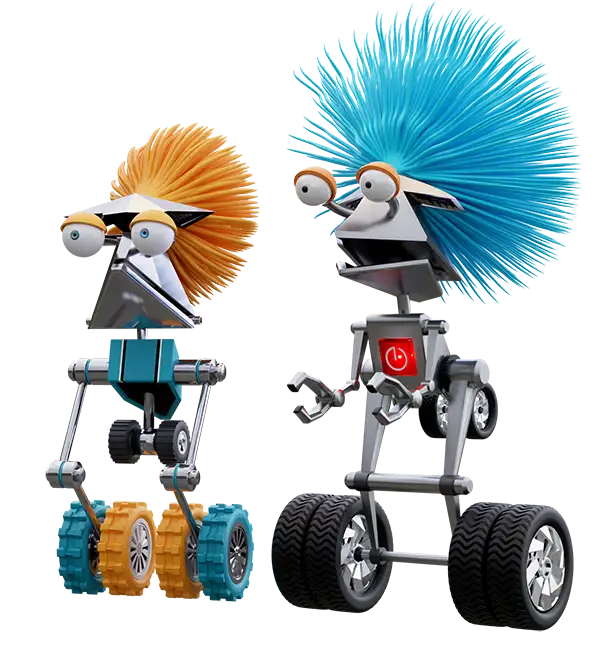
Alice was my first rigged character, and I learned how hard it is to animate people. Then came Ham & Noodles — simple enough to animate easily. Ham started as Duval Dave before the pair debuted in the Endless Engine Challenge, my first Blender challenge.
I don't see myself working for Pixar, so I focus on the areas I enjoy. Blender has already proven a huge asset for original web art for my clients at JOE Design, Inc.
The learning curve
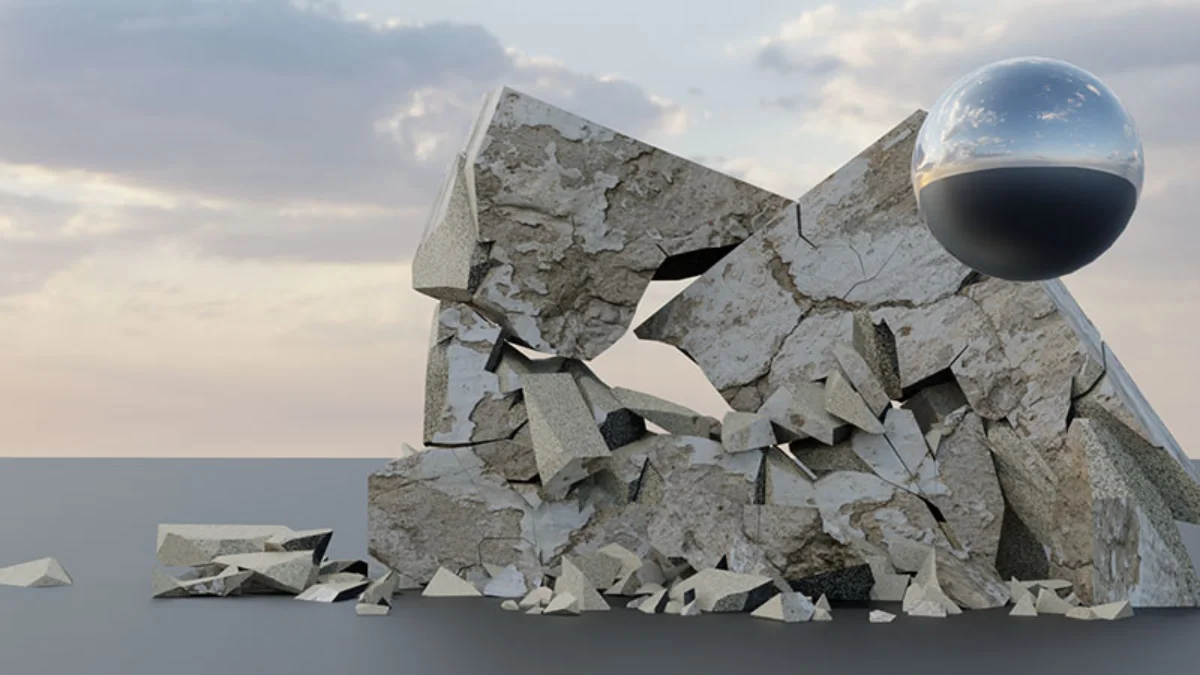
The only way to keep your skills sharp is to use Blender every day. So I made my own name, JOE, into a model and ended up with 90 different "My Morning JOE" scenarios — a fantastic exercise (until I burned out around #90). Along the way I bought my first plugin, RBD Labs — a must-have for destroying things in Blender.
Paid Blender training courses
About a year and a half in, I hit a wall — I needed something more structured. I'd always been too cheap to pay for a course, but I finally bit the bullet.
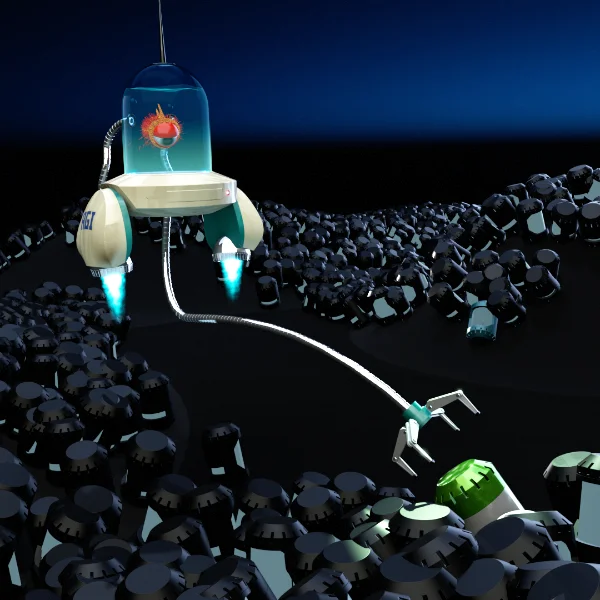
I landed on CGBoost and their Robotic Planet World course. After the first part I'm officially an intermediate artist — I learned methods I'd never seen in hundreds of hours of free videos. Best money I've spent on Blender so far.
The tools that got me here
-
CGBoost Academy The paid course that leveled me upExplore →
-
RBD Labs Add-on My first paid plugin — for destruction simsView →
-
Blender Free & open source — where it all beganDownload →
Affiliate links cost you nothing extra and help support the blog.
My endless journey continues
My training in Blender will never stop — it's become my favorite program to work in. If you're an aspiring graphic designer, I highly recommend learning it. It's a beast, but it'll benefit your career in more ways than one.