
The integration of AI and graphics has revolutionized visual arts and technology, creating stunningly realistic images and animations with unprecedented efficiency. By harnessing artificial intelligence, designers can automate complex tasks and free up more room for creativity — from generating lifelike textures to enabling real-time rendering. This synergy not only enhances the work but opens up endless possibilities for what's next in both fields.
Prompt engineering
I try to stay up to date with the AI world, but it changes so fast that the moment I learn one thing it's obsolete. The one constant is prompt engineering — the better you can prompt the AI, the better and more predictable your results.
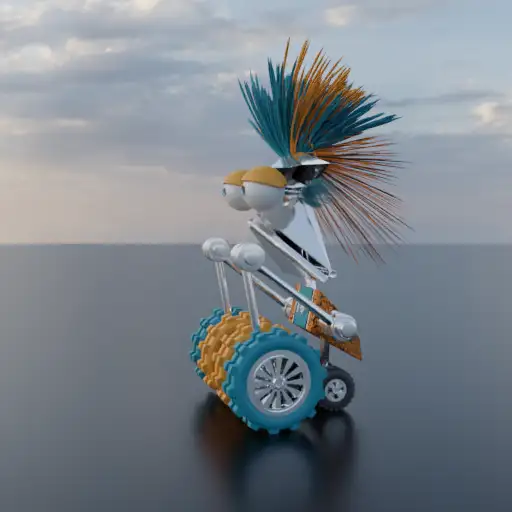
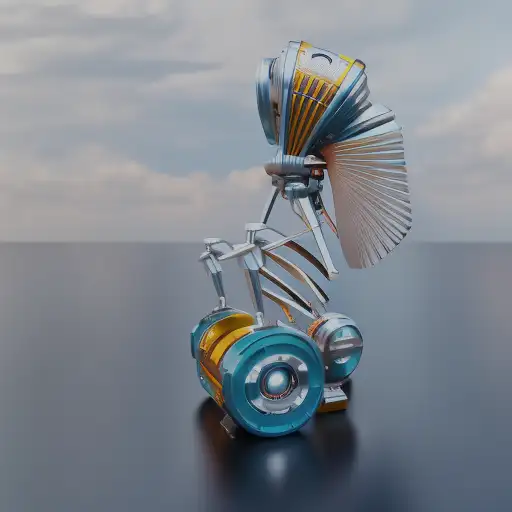
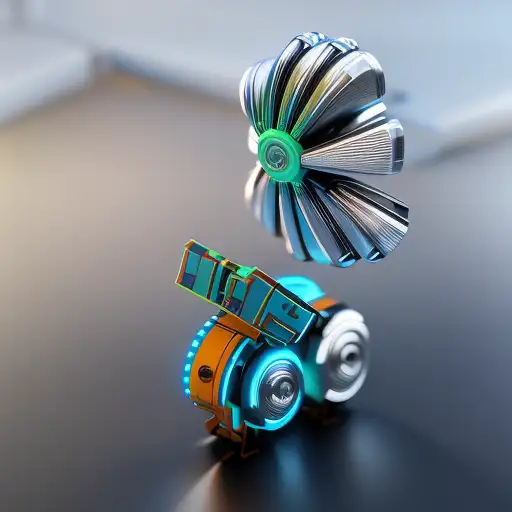
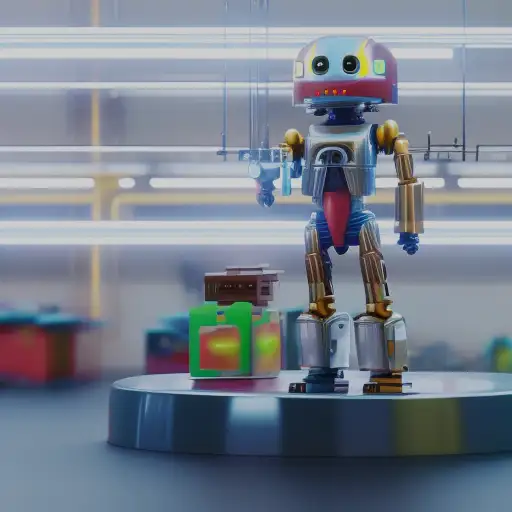
My first serious attempt used my character "Noodles." Every image here started from the same render, with only the prompt changed — I was shocked at how well it did.
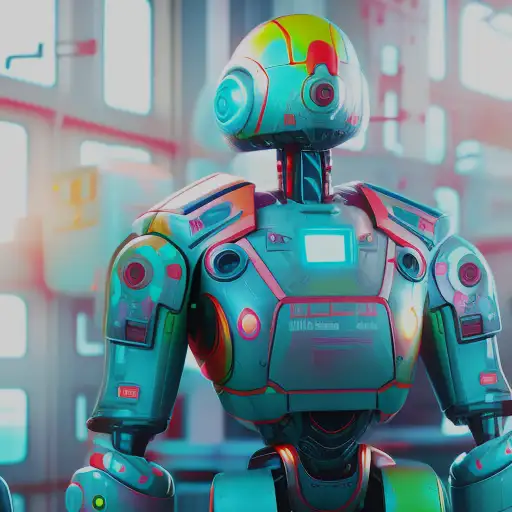
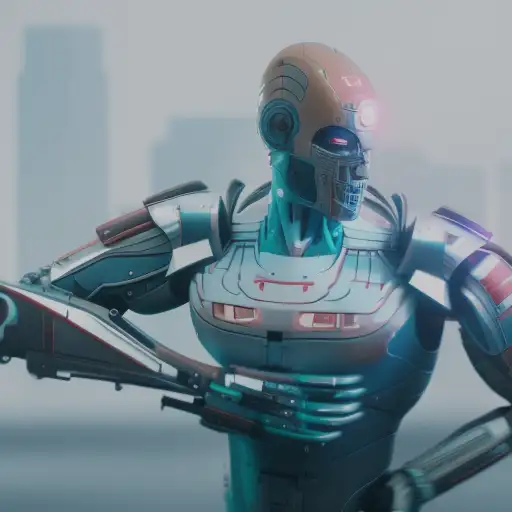
AI on the cabin
I took the same approach to my cabin model. In the original Blender reference, a tree pokes up through the ground plane as a stand-in shrub — AI handled it without blinking. A few choice prompts later and I was ready to quit and become an architect.
These tools can already generate architectural plans and simulate structural ideas that used to require serious expertise — a real glimpse of how design projects might be executed in the near future.
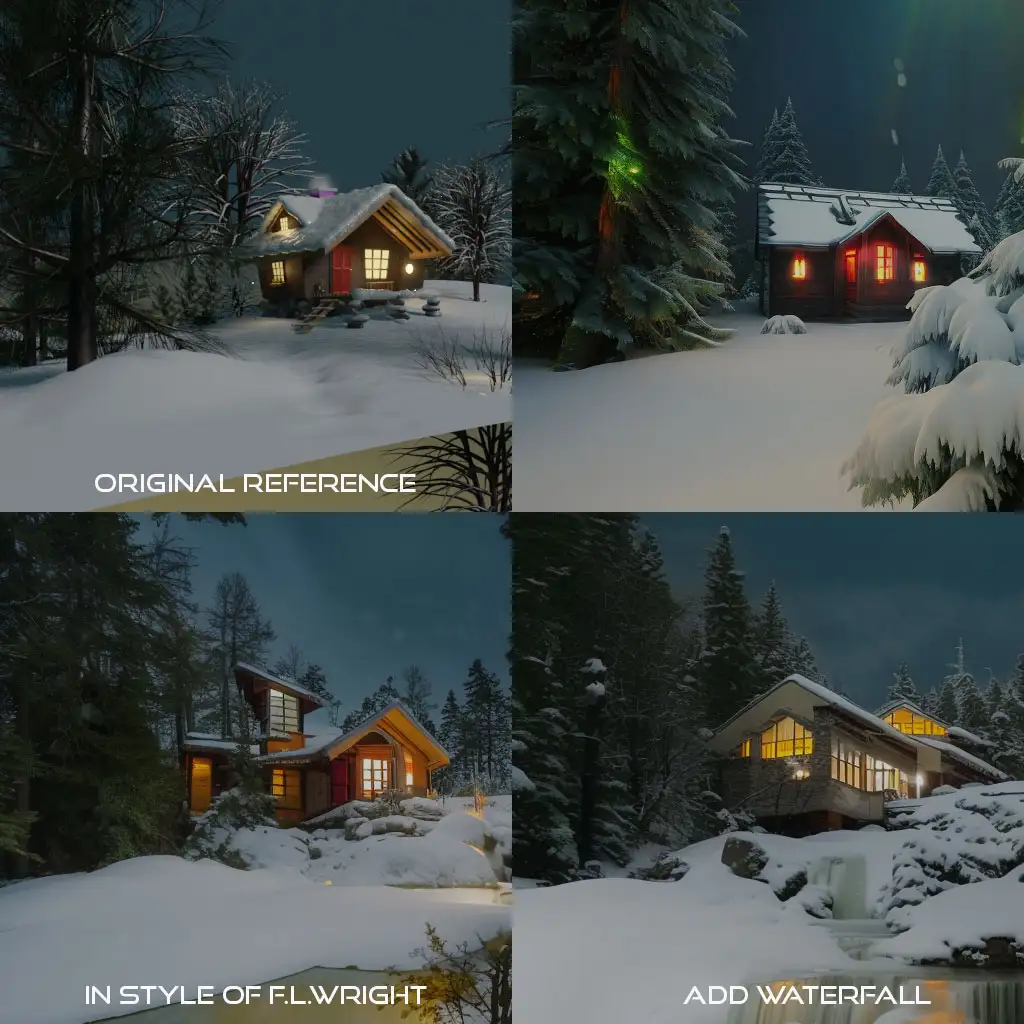
Free to create
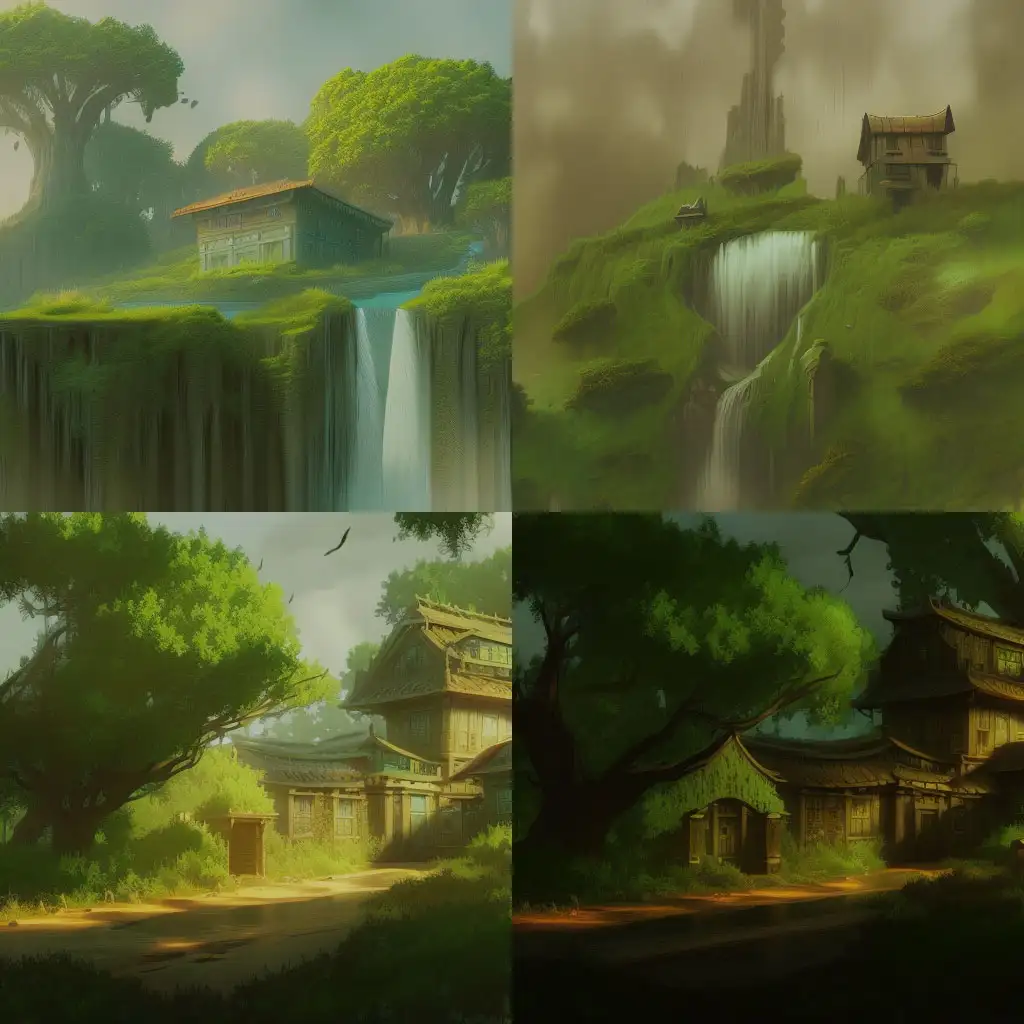
Every one of these was generated purely by prompting — dialing in how far the AI was allowed to wander on its own. This was what AI could do back in early 2023.
I genuinely can't wait to see where it goes next.
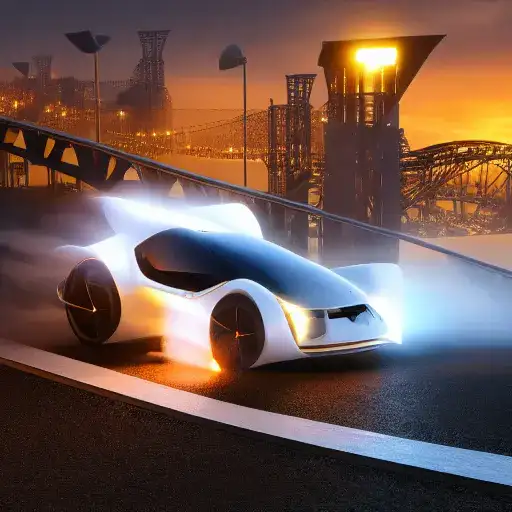
Monster Truck AI
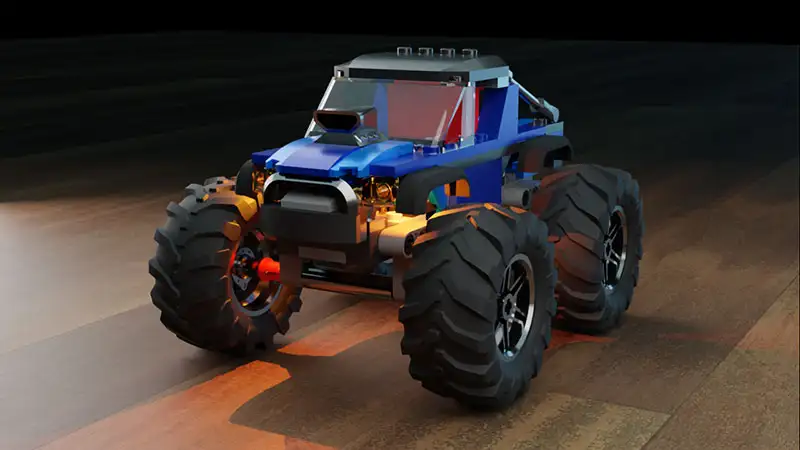
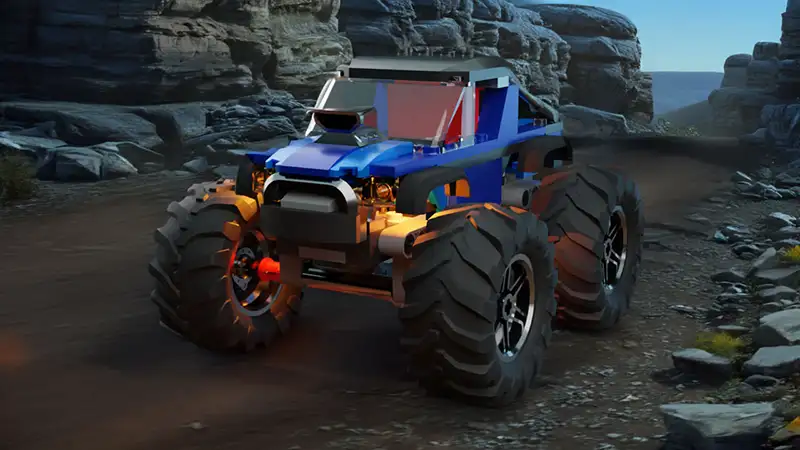
By 2024, Adobe had baked AI into its whole suite. I tried it in Photoshop and was impressed by how little prompting it took. Here's a before-and-after of my Monster Truck — background, lighting and shadows all AI.
It went from a plain hardwood floor to a dynamic environment in seconds. Building that in Blender would have taken hours. The opportunities here really are endless.
The AI tools I reach for
Most of these started in Stylar for image-to-image work and Adobe's Firefly-powered tools in Photoshop. I dug deeper into the image-to-image side in this experiment, and you'll find everything else I use on the gear page.
Bookmark this page for future AI updates
AI has already become fundamental to my workflow — an assistant designer, writer and editor I pay nothing. I'll keep adding new experiments here as the tools evolve, so check back.