The Honest List

Gear & Resources

Two years down the Blender rabbit hole taught me what's worth your time and money — and what isn't. These are the courses, plugins, assets and tools I actually use. No fluff, no padding.

A quick, honest note: Some links below are affiliate links, which means I earn a small commission if you buy through them — at no extra cost to you. I only recommend things I've personally used and paid for. As I always say, I'm as cheap as a dollar store umbrella, so if it made this list, it earned its spot.
If you only check out three things

What I Actually Paid For

After hundreds of free YouTube hours, these are the few things that earned a spot in my wallet.
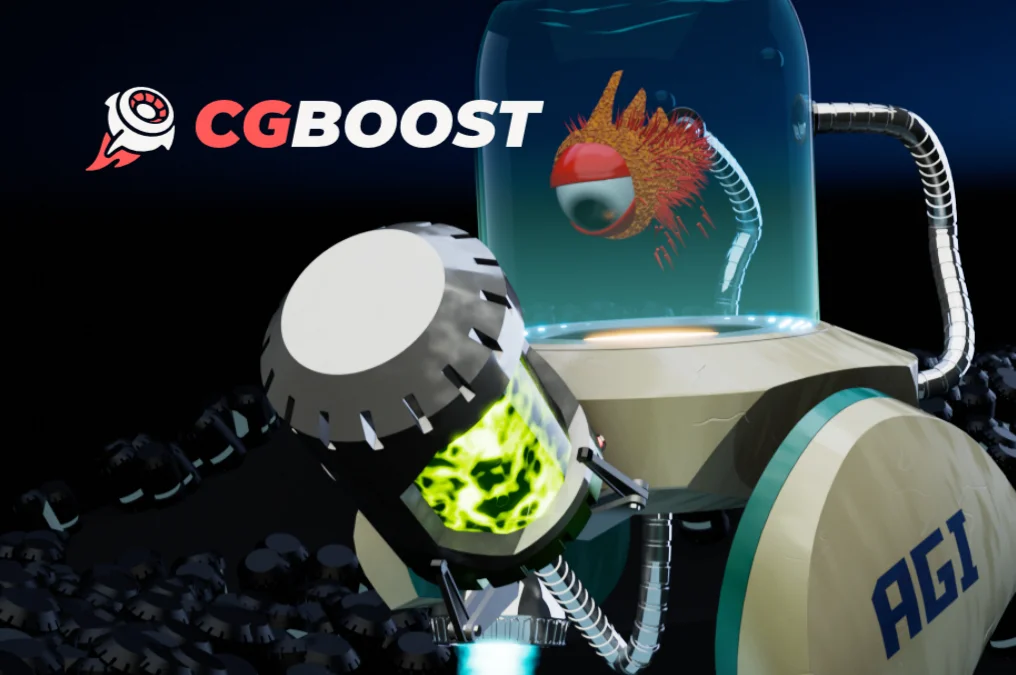
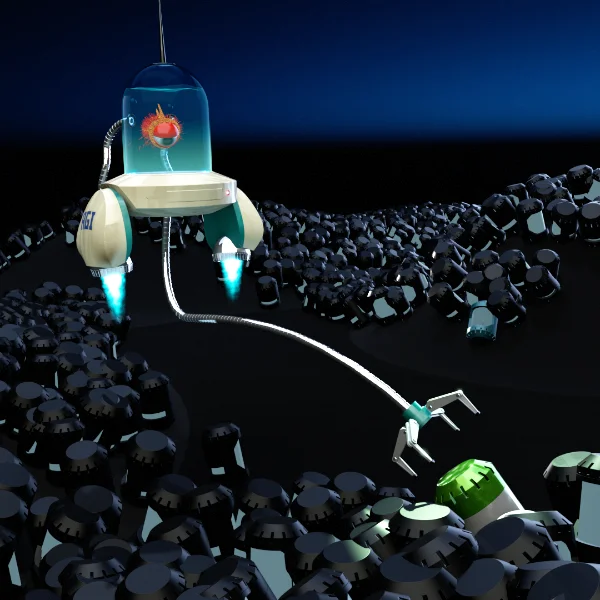
Robot I modeled and rendered following the CGBoost course My #1 Course

CGBoost Academy

The first paid course I broke down and bought (Robotic Planet World). I learned methods in the first third that I'd never seen in hundreds of hours of free videos. Structured, easy to revisit, and it took me from "beginner" to officially intermediate.
Paid courses & bundles · Beginner → Advanced
Explore CGBoost
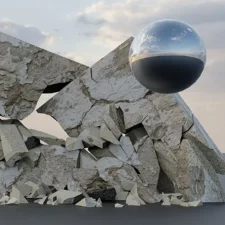
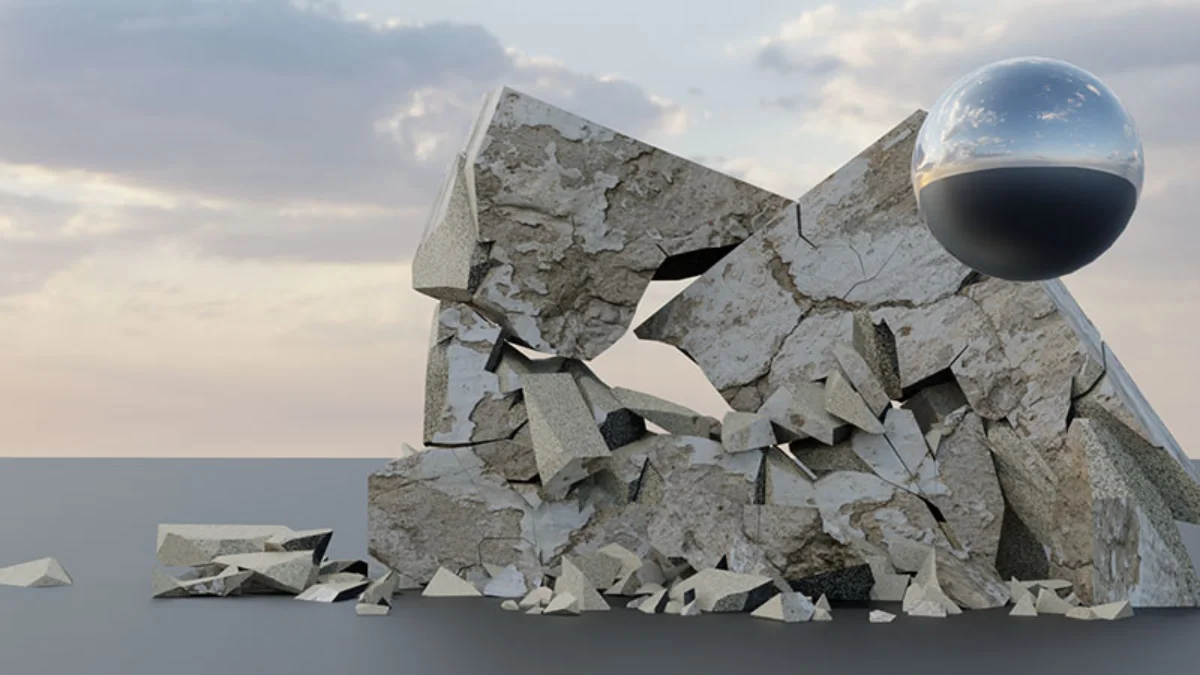
Rigid body physics render built in Blender My #1 Plugin

RBD Labs Add-on

The first plugin I ever paid for and a must-have for destroying things in Blender. If you're into rigid body and destruction sims, the latest release is genuinely amazing — and there are plenty of tutorials on how to use it.
Paid add-on · Sold on Blender Market
View RBD Labs
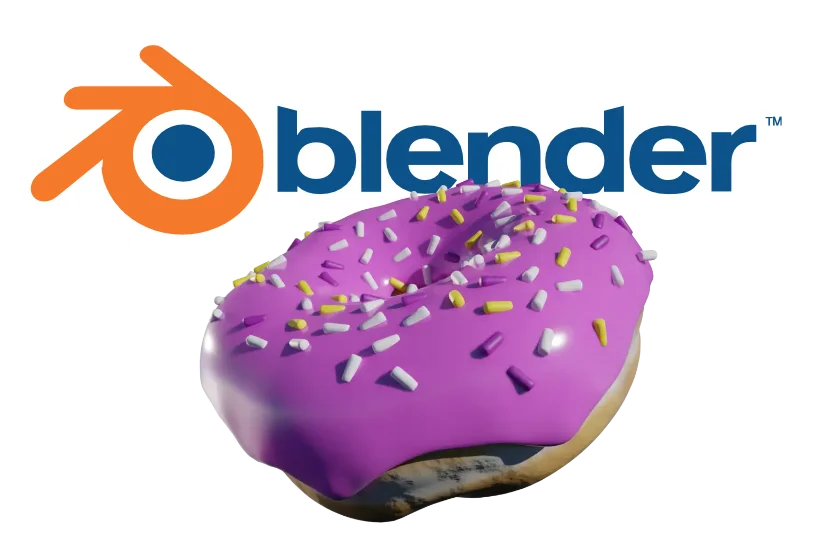
The classic Blender donut, where it all starts Where Everyone Starts

Blender (the app)

It's free, open source, and the reason this whole site exists. If you're even a little curious, download it and run the Blender Guru donut tutorial. That's exactly how my journey started.

100% free & open source
Download Blender
The Full Toolkit

Everything Else Worth Knowing

The complete list, sorted by what it's for. Free picks are flagged so you can start spending nothing.

Courses & Training

Fish bot I built from the CGBoost course

CGBoost Academy

Structured paid courses. My pick for getting past the "I've watched 100 tutorials but still feel lost" wall.

My CG Cookie Halloween contest entry

CG Cookie

Great structured "Blender Basics" series and ongoing courses. I entered their Halloween contest — solid community too.

The Blender Guru donut

Blender Guru — Donut Tutorial Free

The classic starting point. Won't make you a pro, but it tells you fast whether Blender is for you.

Airplane model from the Crossmind beginner series

Crossmind Studio — 7 Day Beginner Series Free

Took me 14 days, worth every one. Builds from small wins up to a full airplane model and animation.

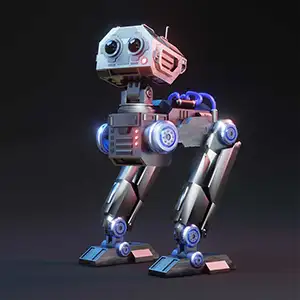
Sci-fi robot from a Ryan King Art tutorial

Ryan King Art Free

The robot tutorials where I had my "AHA!" moment. Truly beginner-friendly, and where I learned to build a real workflow.

Plugins & Add-ons

Brick destruction sim made with RBD Labs

RBD Labs Add-on

My go-to for destruction and rigid body sims. The first plugin I paid for and still a favorite.

Blender Market logo

Blender Market

The marketplace for add-ons, materials and asset packs. Worth browsing once you know what gap you're trying to fill.

Textures, HDRIs & Assets

Poliigon logo

Poliigon

High-quality textures, models and HDRIs from the Blender Guru team. Great when free assets won't cut it.

Poly Haven logo

Poly Haven Free

100% free CC0 HDRIs, textures and models. No catch. Support them on Patreon if they save your bacon as often as they save mine.

Software & AI Tools

Blender logo

Blender Free

Open source, endlessly capable, and the heart of everything here.

Dzine.ai logo

Dzine.ai (AI image-to-image)

I ran my own illustrations through Dzine.ai and was floored by the results. Fun for character conversions and concept work.

Hardware

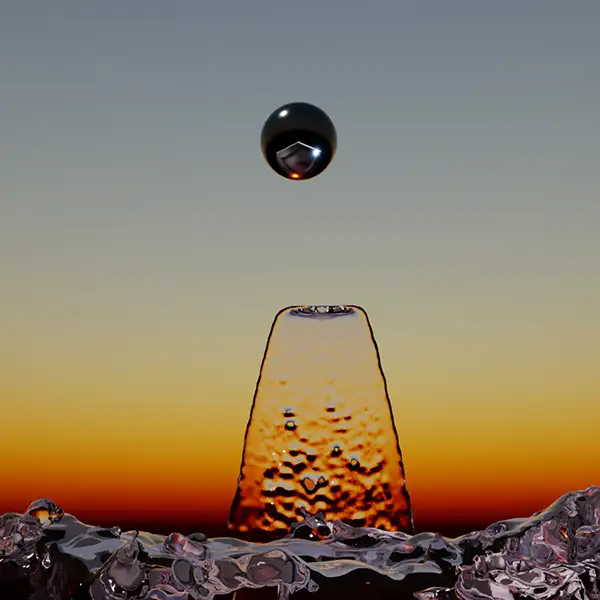
Fluid simulation render, the kind that needs GPU muscle

Graphics Card (GPU)

Blender physics — water, smoke, fire — is brutal on your system. The bigger the GPU, the better your odds. The single biggest upgrade for simulation work.